
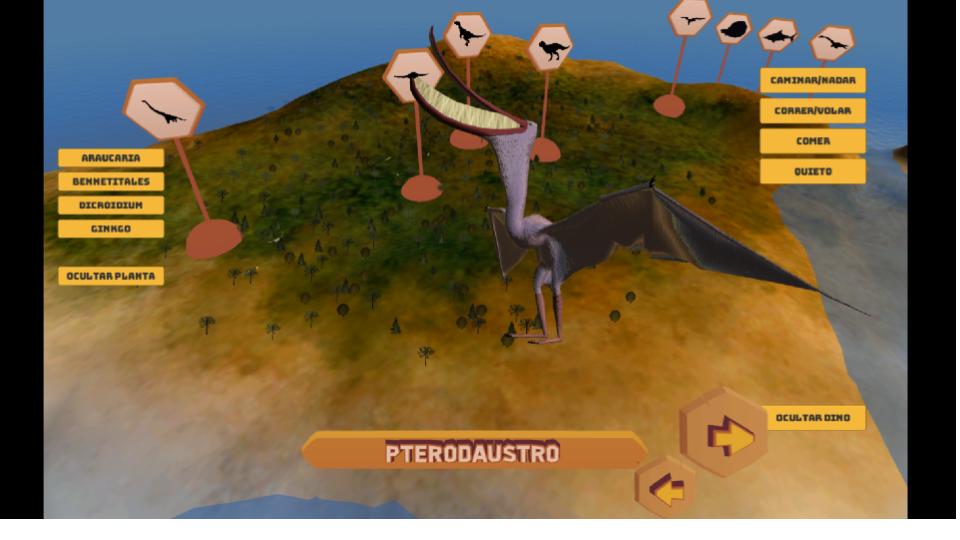
The La Plata Natural History Museum engaged our team to design and implement an integrated system for their interactive classroom. Our team crafted a seamless system that includes a large multi-touch interactive whiteboard, individual tablets for students, and a central PC to coordinate all devices. The solution contains a set of educational activities envisioned by the museum, with content related to the current museum collection.
The research phase was conducted internally by the team leader, to learn about client expectations and currently used apps and resources during several meetings. All the information was used as a foundational starting point. The result was a detailed proposal, outlining various system functionalities with preliminary estimates. Visits to the museum facilitated an assessment of the classroom environment, technical infrastructure, and the needs of museum educational guides and management staff who would utilize the system. At this stage, we defined the outline of the system, and activities including:
System
- PC Admin app
- Tablets app
- Interactive whiteboard app
Activities
- 3D Educational Video (Fossilization)
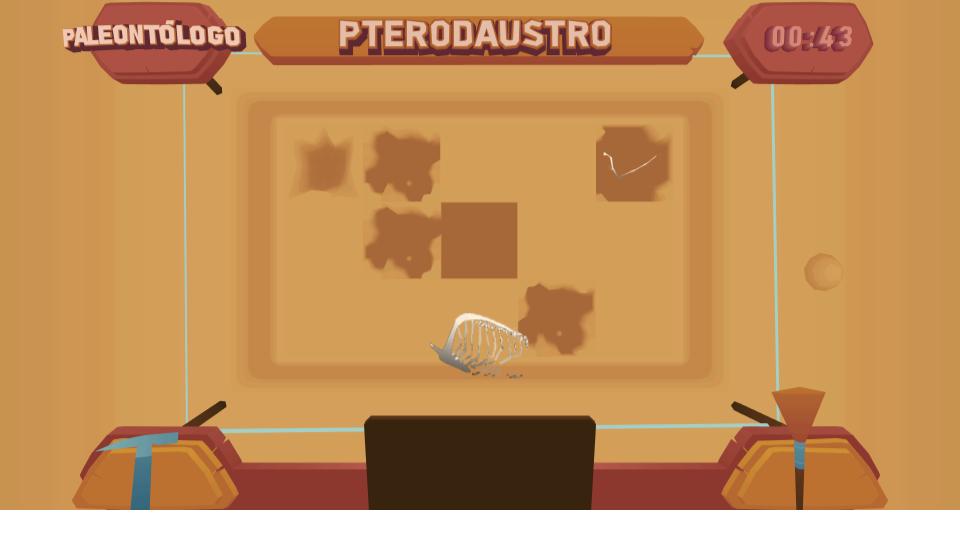
- Excavation Game (Paleontologist)
- Puzzles
- Trivia (text and images)
- 3D Environment (Paleoenvironment)
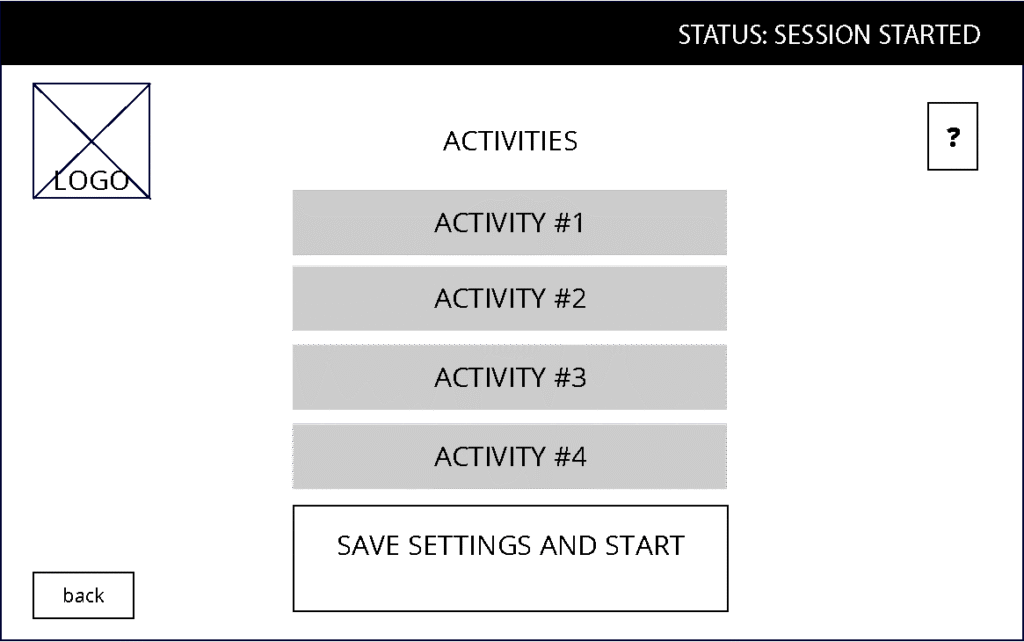
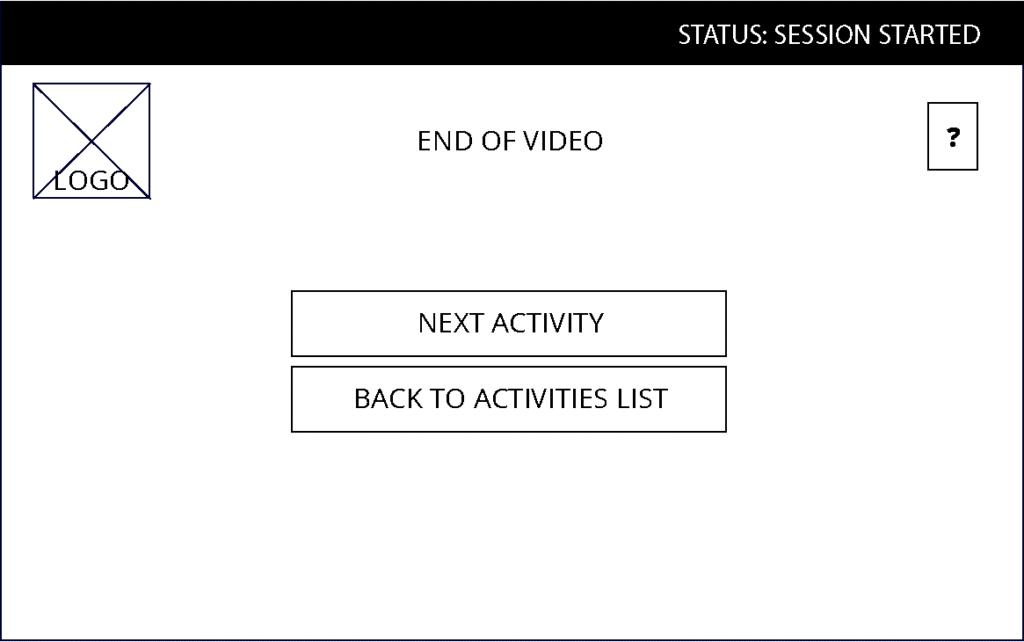
Organizing and Designing the Activity Control System
My first challenge was to structure the activities so guides could seamlessly start, manage, and end them. To make this happen, I designed a desktop app that brought all these controls into one intuitive space.
Along with this, I created the initial wireframes for all the activities to provide a glimpse into how each part of the system could function. But the real test was designing the management screen—compact yet packed with options, easy to scan at a glance, so guides could quickly choose their next step.
Addressing Interactive Classroom Challenges
After the first prototype was ready, we set up a live test with the educational guides at the location. One thing that caught my attention was the compounded effect of several tablets with music and sound. My recommendation here was to mute all the tablets to avoid adding more noise to an already noisy setting.
When using the app, the lead guide asked us to have all the activities on the same screen and be able to stop and choose another on the spot, depending on the time they had left for the visit. So I modified the layout and merged the activities list screen and the status screen. You can see the second prototype near this text.
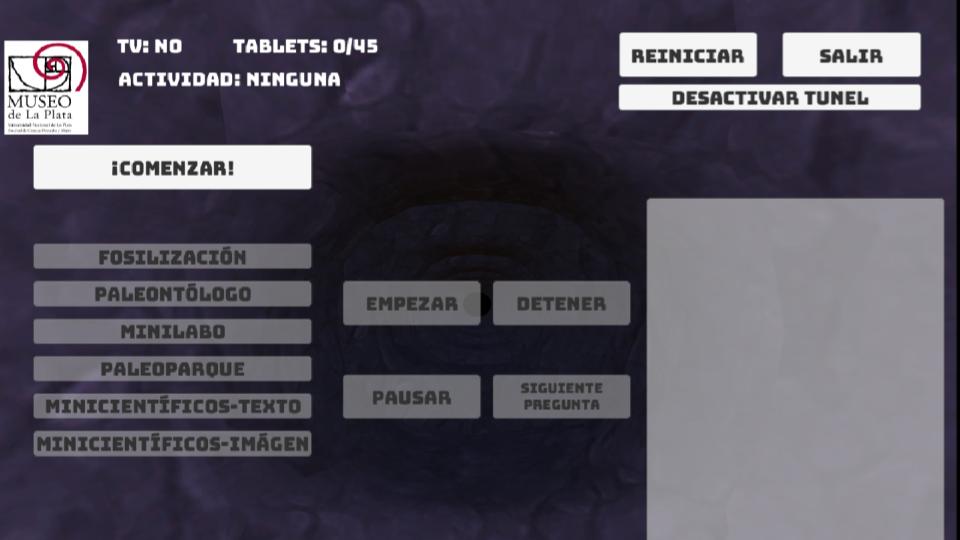
After using the system on several visits a new issue was found: the iddle screen on tablets was a video loop that proved to be too distracting for some students. To help fix the issue, I added a button in the admin app so the guide could turn off the screens and capture the students’ attention without distractions.
The last point arose after prolonged use. The teachers recognized that they could not remain seated behind the PC during the activity. This was temporarily resolved by having a second person operate the administrator application from the computer while the main guide continued with the activity. The most popular proposal was to create an application for mobile devices or tablets that would allow the guide to follow the students’ conversations, the thread of the activity, and the development of the content without having to sit behind a computer. This point is currently under development.
This app made it possible to include an integrated activity in the guided museum tour, focusing on the content, aesthetics, and language used to further the educational task. Interactive classroom dynamics became easier, and more content could be covered in the same amount of time.